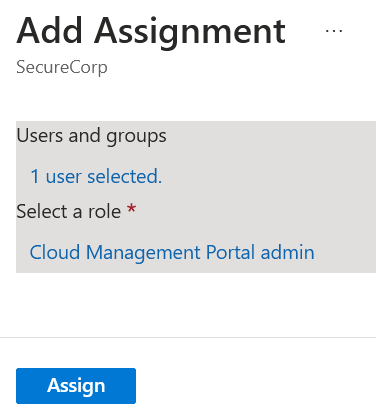
Cloud Management Portal: Role Assignment Process
To assign roles within the CMP, follow this step-by-step procedure:
-
Initial Setup: Access the CMP at https://cmp.inspark.nl, complete the sign-in process, and provide consent to the portal (refer to the Portal Authorization section for detailed guidance).
-
Azure Portal Access: After completing the consent process, navigate to the Azure Portal at https://portal.azure.com/.
-
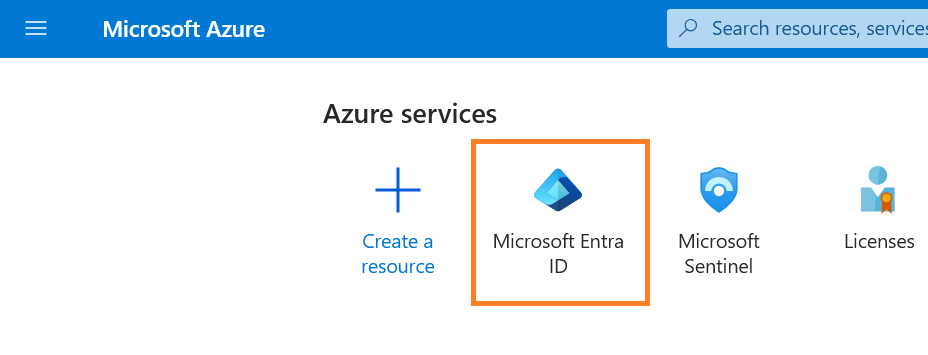
Access Entra ID: Locate and open the Entra ID service.
-
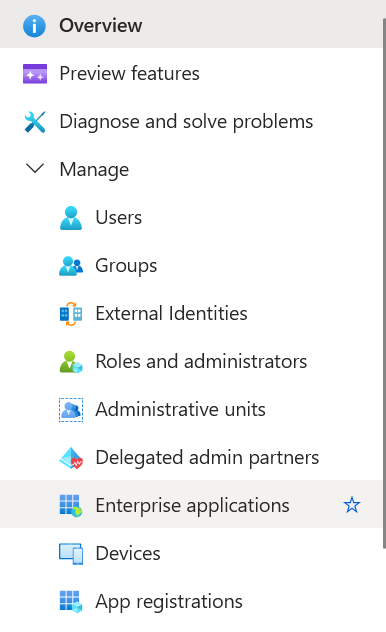
Navigate to Enterprise Applications: Select 'Enterprise applications' from the menu.
-
Locate InSpark Application: Search for 'InSpark Cloud Management Portal' and select the application.

-
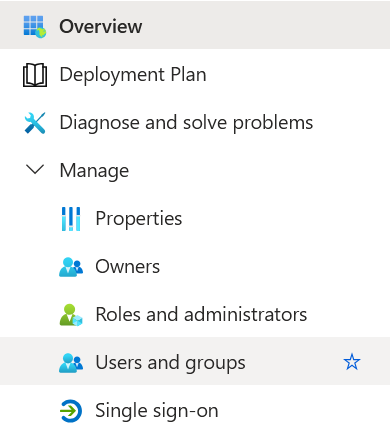
Access User Management: Click on 'Users and Groups' to manage role assignments.
-
Initiate Role Assignment: Click 'Add user/group' to begin the assignment process.
-
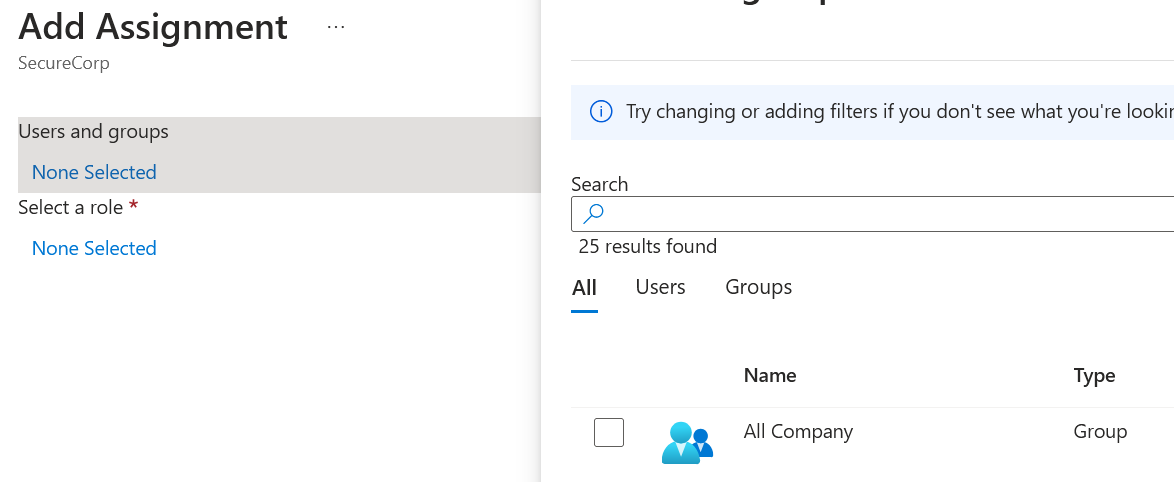
Select Recipients: Choose the user(s) or group(s) that will receive the role assignment.
-
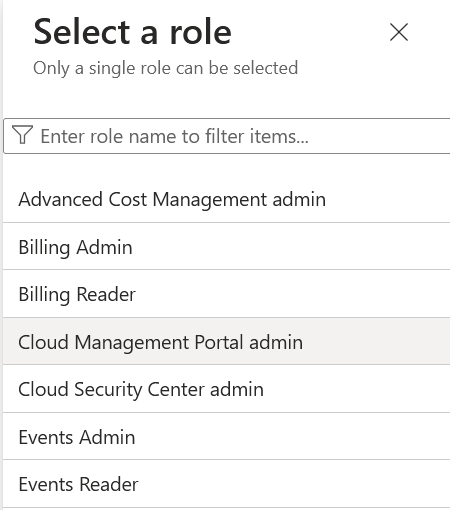
Choose Role: Select the appropriate CMP role based on the user's responsibilities and access requirements.
-
Complete Assignment: Click 'Assign' to finalize the role assignment.